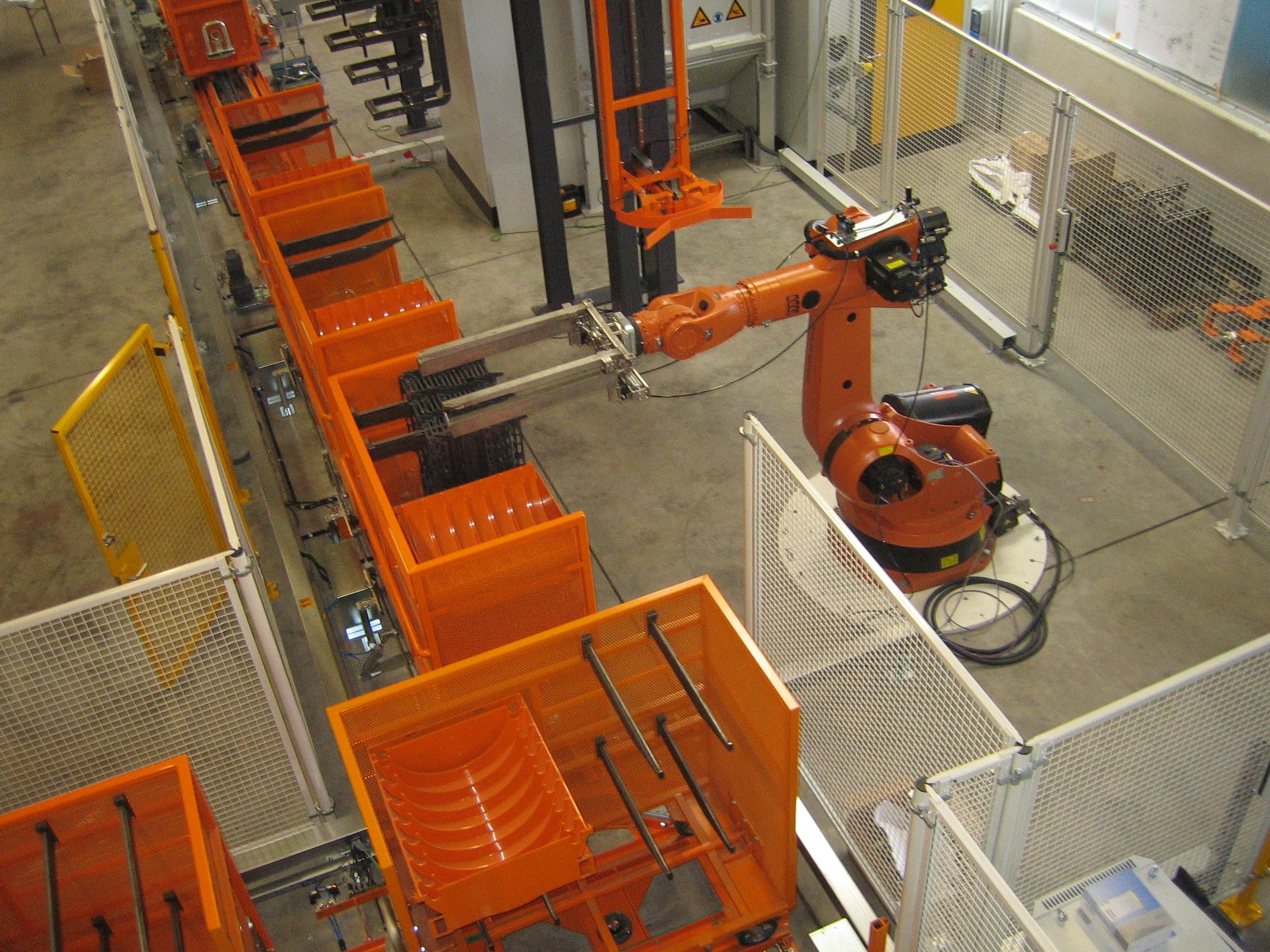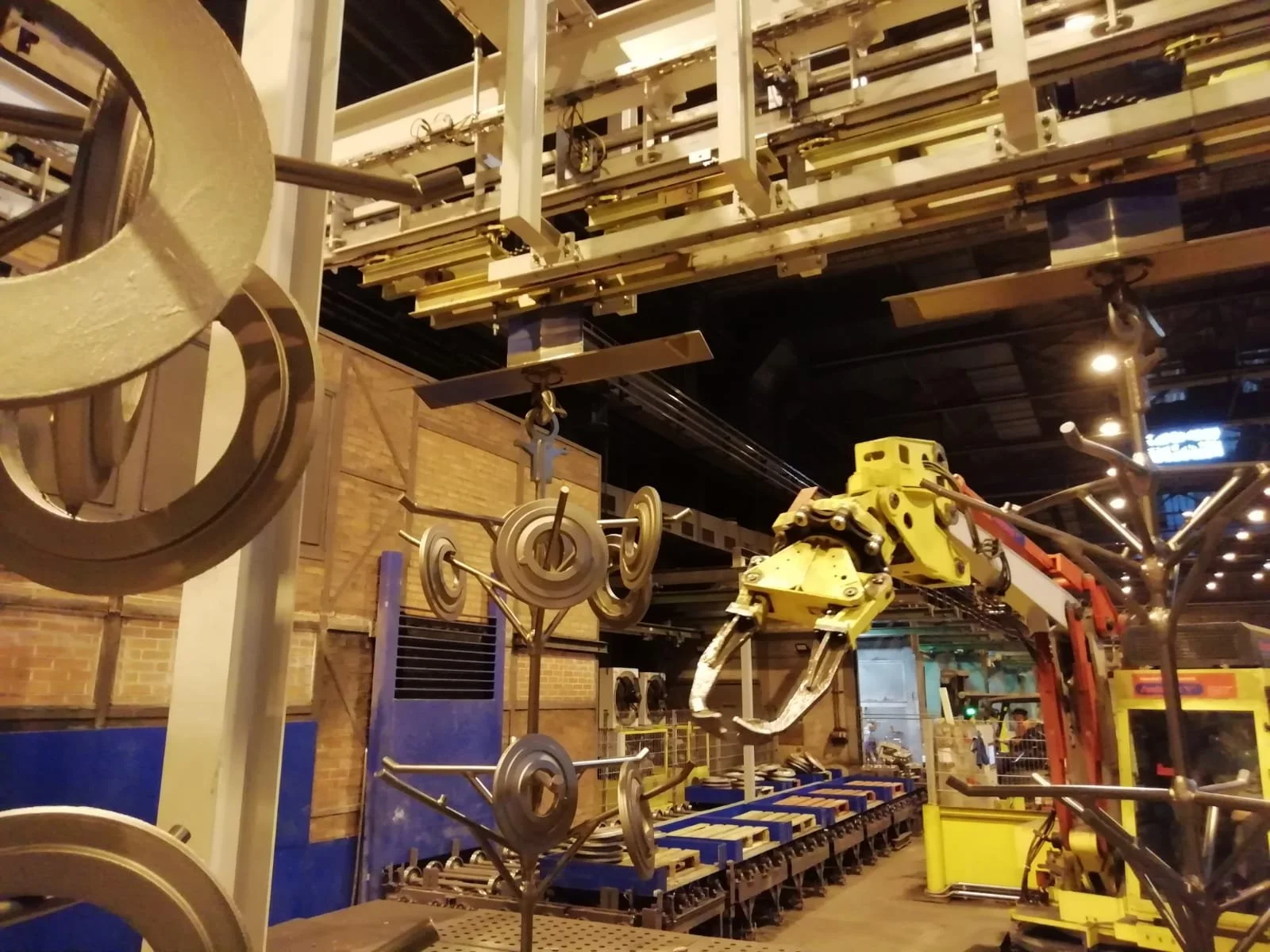
Floor Conveyors
Extremely Robust. High-Performance.
Highly Durable Systems for Heavy Loads
Our floor conveyor systems are engineered for exceptionally heavy loads, providing utmost stability.
Technical Specifications:
Load Capacity: 500–55,000 kg
Operation: Manual or Automatic
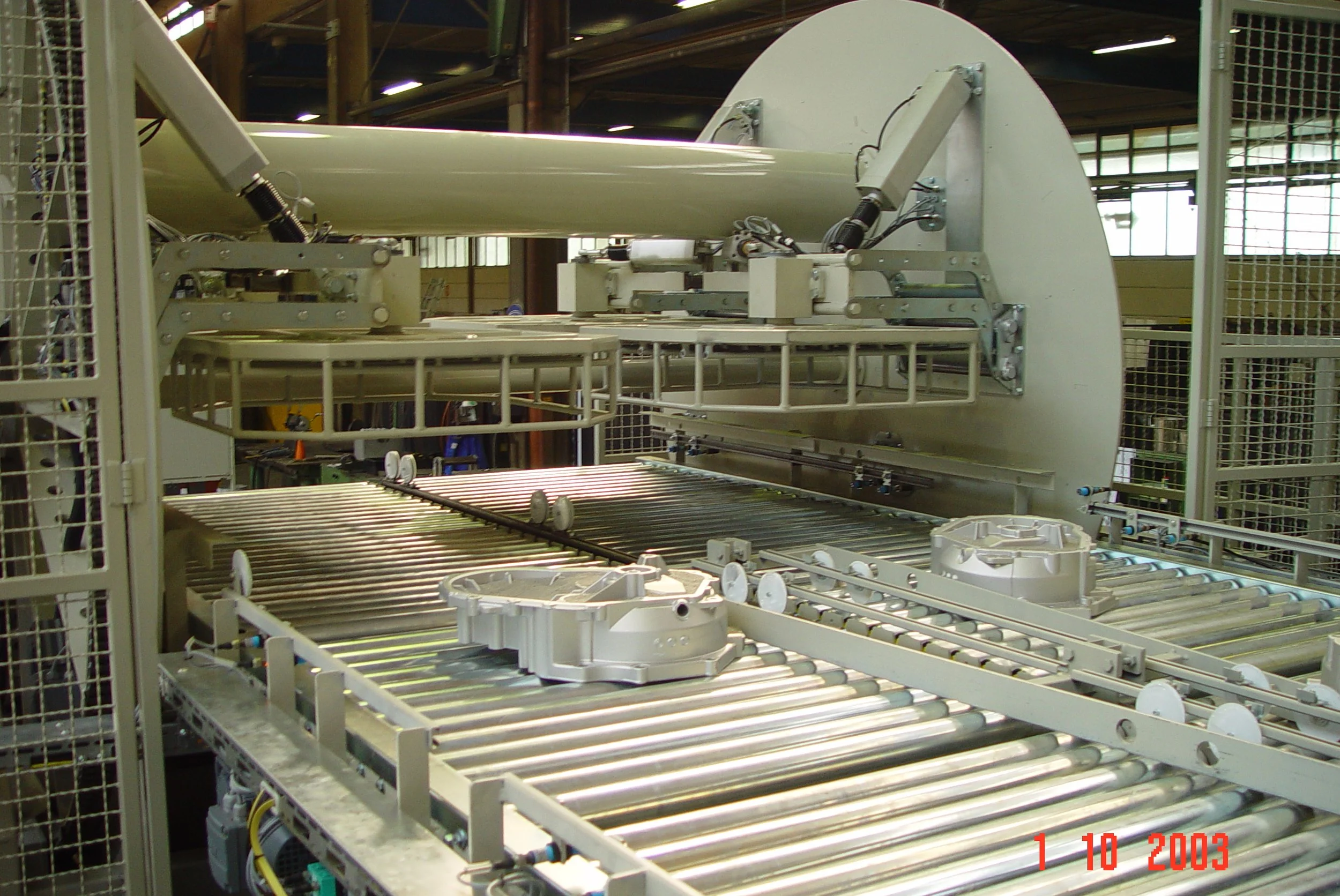
Optional: Lift Tables, Rotary Tables, Pushers, Upending Stations, Securing Devices
Optimal for heavy-duty applications in industrial and mechanical engineering.
System Overview
A floor conveyor system is a ground-mounted conveying system utilized for the transport of workpieces, vehicles, pallets, or load carriers within production and logistics environments.
- Manufacturing and assembly lines
- Warehousing and logistics systems
- Automotive Industry
- Packaging and conveying technology
Configurations and Components
Floor conveyors are available in various configurations, for example:
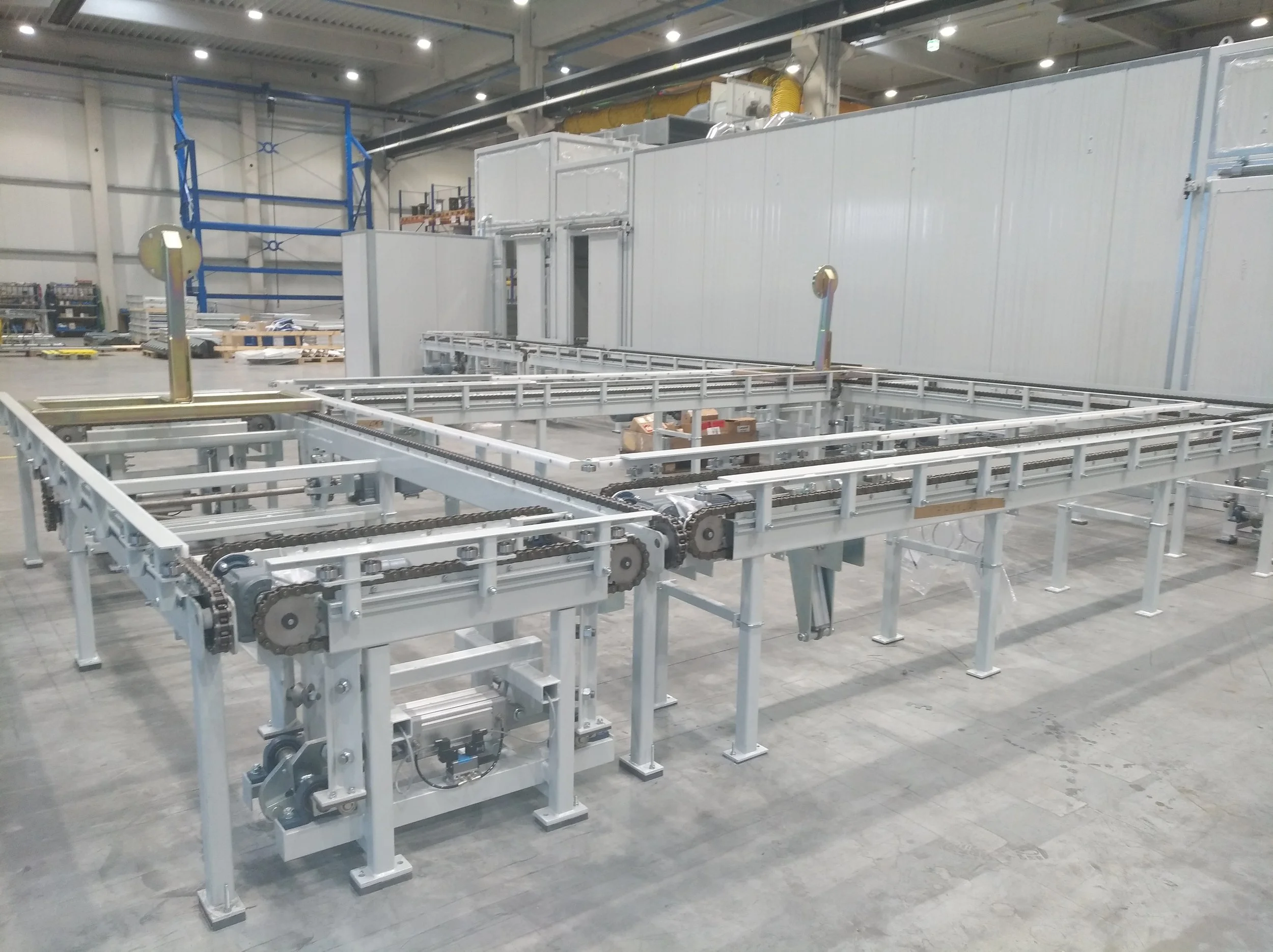
- Chain conveyors
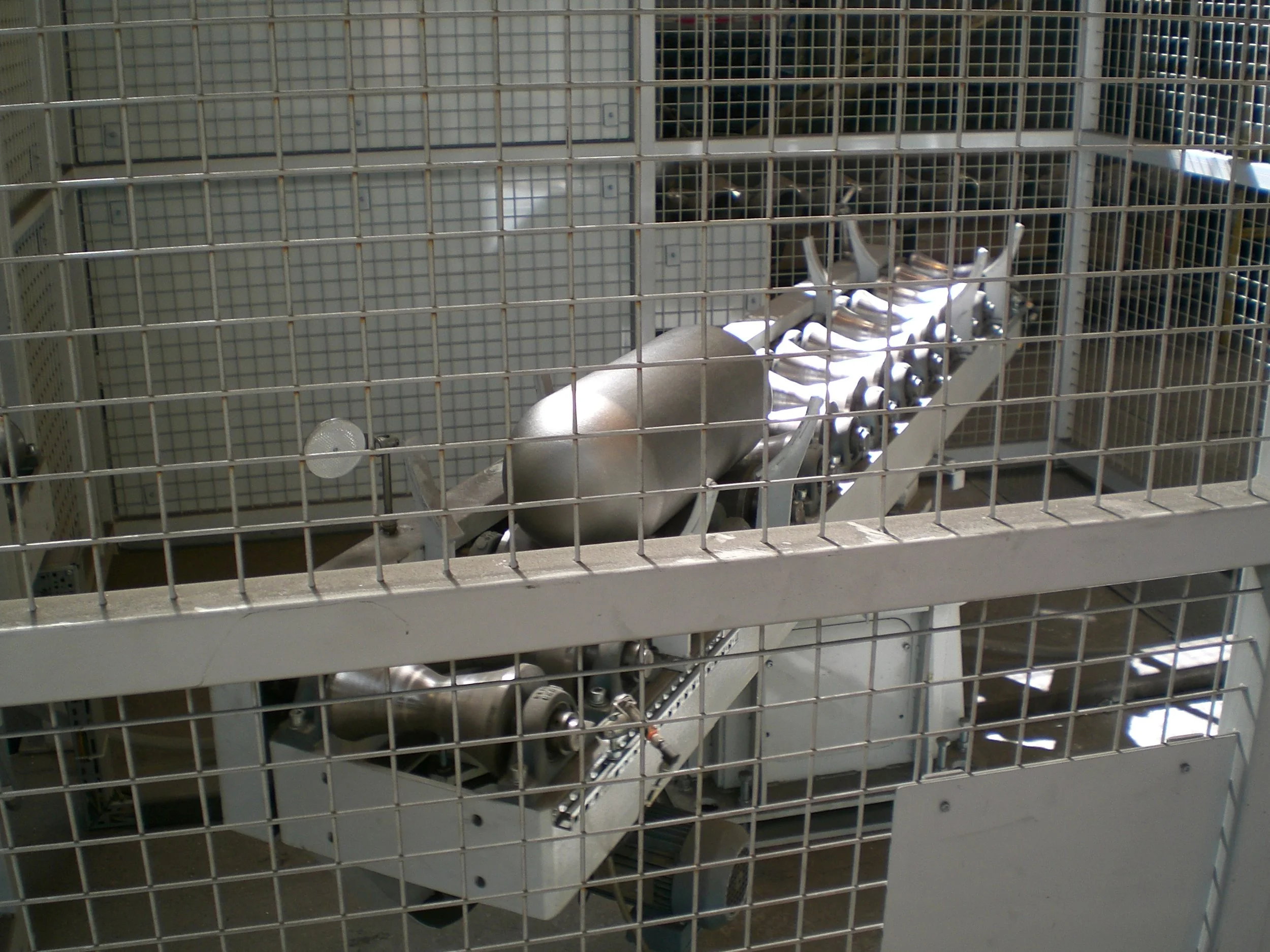
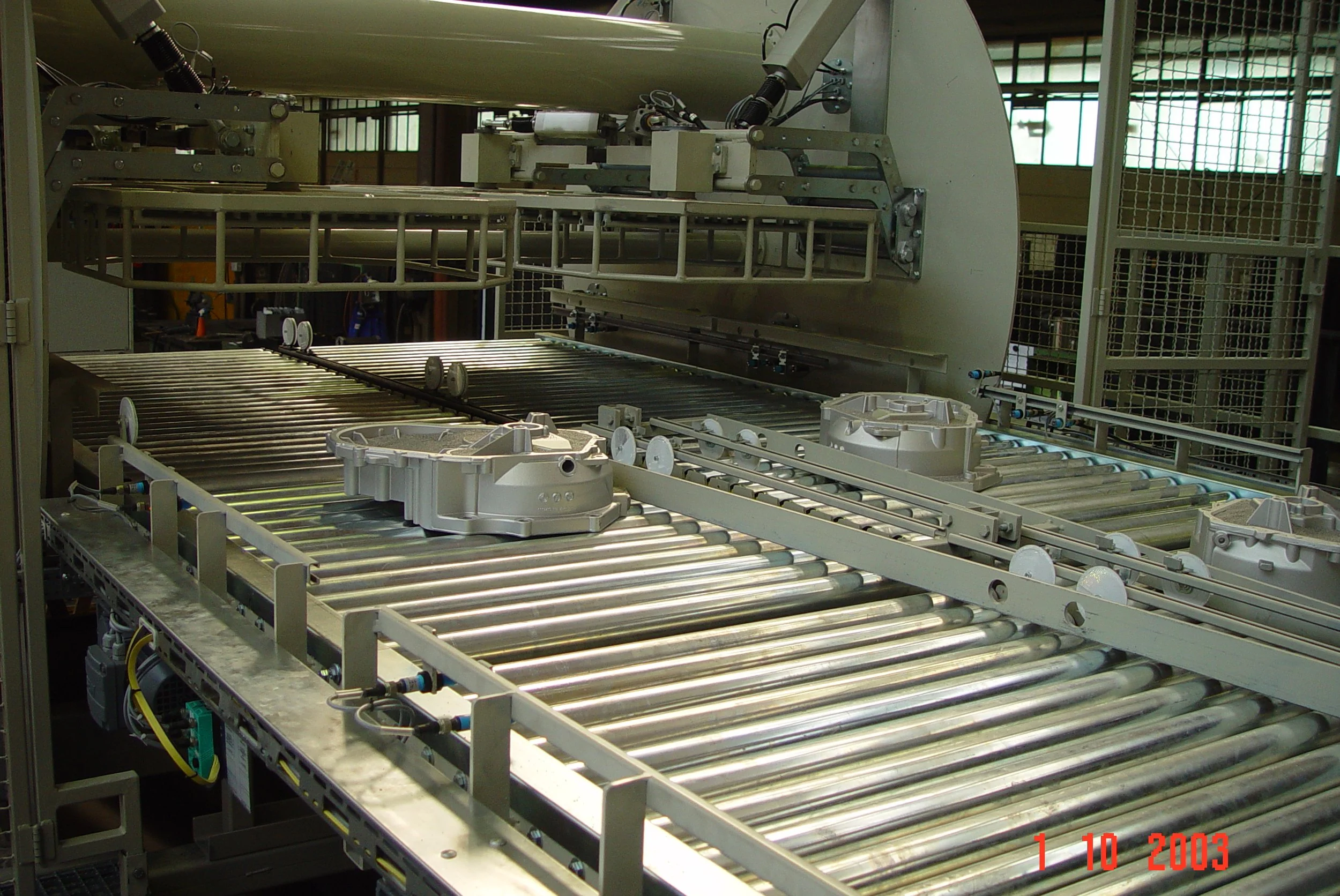
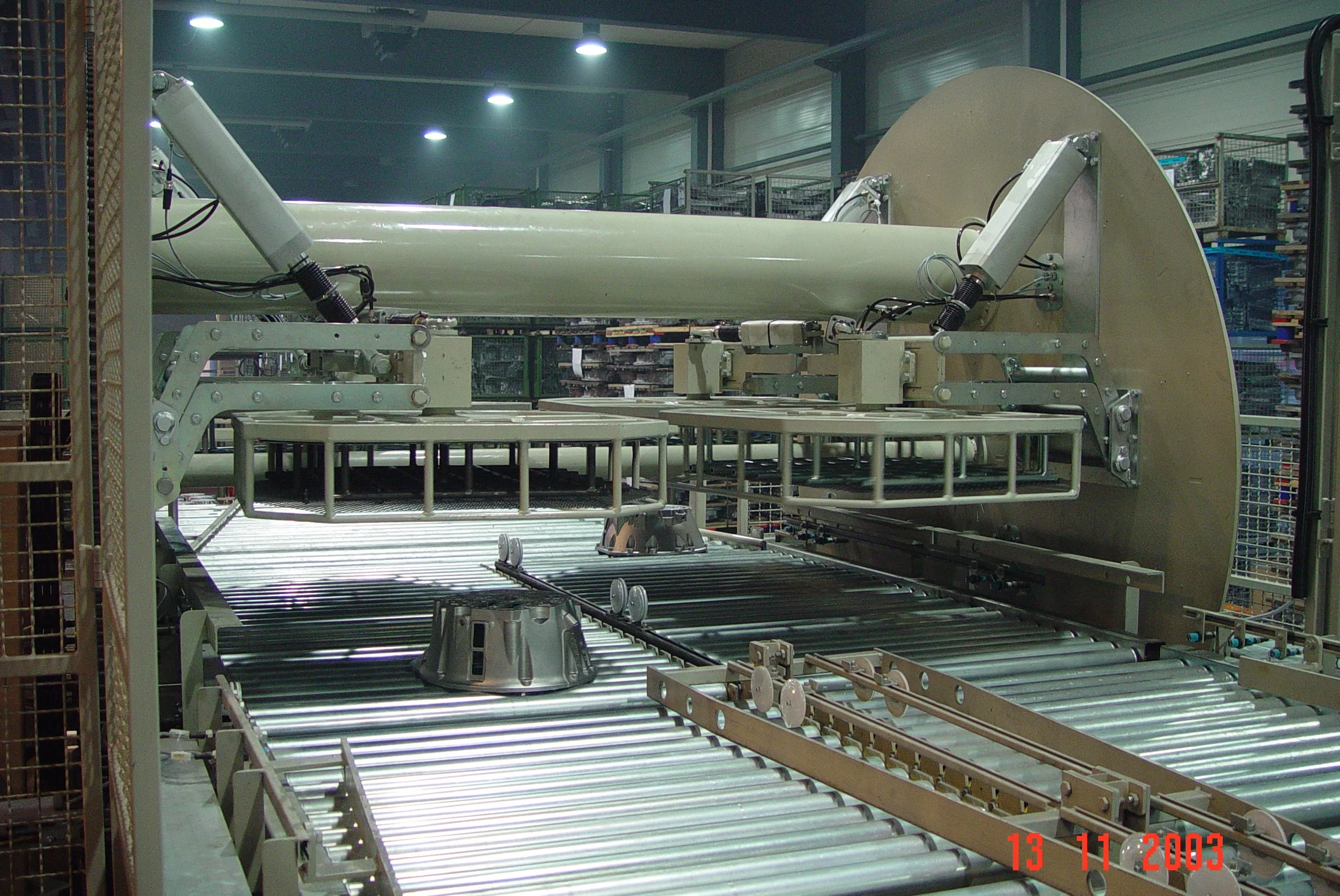
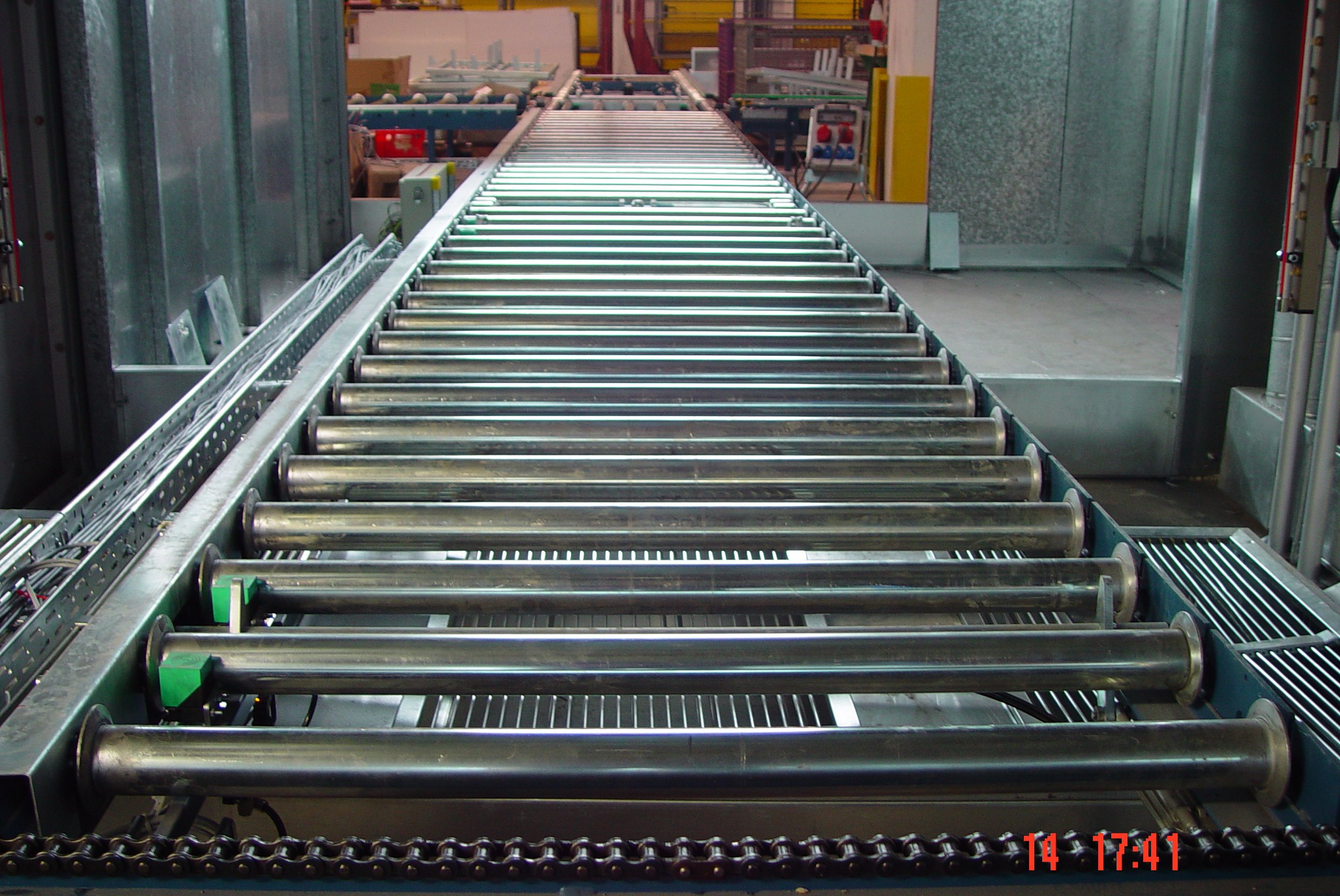
- Roller conveyors
- Belt conveyors
- Skid conveyors
- Automated Guided Vehicle Systems (AGVS) / Automated Guided Vehicles (AGVs), integrated or combined
- a conveying medium such as chain, roller, or belt
- Drive and idler stations
- Support and guidance structure
- Sensor technology and control unit
- Safety and Protective Devices
Operating Principle of Floor Conveyor Systems
Transportation is carried out by a floor-mounted system that moves loads from one station to the next.
- continuously, as continuous conveyors
- intermittently, as indexing conveyors
- moved on rollers
- pulled or pushed by chains
- carried on a conveyor belt
- or guided on workpiece carriers
Typical Functions
- horizontal transport of loads
- buffering and accumulation of conveyed materials
- transfer to other conveyor systems
- Integration into automated processes
Automatic Operation
In automatic mode, the floor conveyor operates autonomously according to the control system's specifications.
- Conveying speed is constant or adjustable
- Sensors monitor position, accumulation, and workpiece presence
- Transfers are performed automatically
- Malfunctions lead to a safe system shutdown
Manual Operation / Jog Mode
Manual mode is primarily used for:
- Maintenance work
- Troubleshooting
- System setup
- Movements are performed manually via operating controls
- typically in jog mode, meaning only when the button is pressed
- only hardware-based safety devices are active
Operation is permitted exclusively by trained personnel.
Safety Instructions
Floor conveyors have moving parts and potential hazard points. Therefore, the following rules must be observed:
- Presence in the system's danger zone is prohibited during operation.
- Intervention with operating conveyor systems is prohibited.
- Pinch and shear points, for example at rollers, chains, or transfer points, must be observed.
- Protective covers and guards must not be removed or bypassed.
- Emergency stop devices must be accessible at all times.
- Loose clothing, jewelry, or long hair must be secured.
- Immediately stop the system.
- Identify the cause.
- restart only upon authorization
Commissioning
- Perform a visual inspection of the system.
- Ensure no personnel are within the hazardous area
- Disengage the emergency stop switch
- Power on the control system.
- Select operating mode: Automatic or Manual.
- Initiate the start command
Operation
During operation:
- conveyed material is transported along the system path
- sensors monitor the material flow
- congestions are detected and managed, if present
- operating personnel manage loading and unloading
Stopping and Shutdown
- Stop the system in a controlled manner
- Allow conveyed material to clear the system
- Switch off the control system
- Engage the main switch during maintenance or shutdown
Special Notes
- The maximum load per conveyor section must not be exceeded.
- Conveyed material must be stably and securely positioned.
- Transfer points are particularly critical and must be monitored.
- Reverse operation is either restricted or permissible solely for service purposes, depending on the specific system.
- In the event of a jam, conveyed material must not be manually moved against the direction of conveyance.
Maintenance and Inspection
Regular maintenance is a prerequisite for safe operation.
- Inspection of rollers, chains, and conveyor belts
- Inspection of drive and deflection stations
- Inspection of sensors and limit switches
- Cleaning of the conveyor path
- Lubrication of moving parts, if required
- Verification of all safety components
Technical Note
Maintenance work may only be performed by qualified specialist personnel.
System Overview
A floor conveyor is a floor-mounted conveying system designed for transporting workpieces, vehicles, pallets, or load carriers within production and logistics environments.
- Manufacturing and assembly lines
- Warehousing and logistics systems
- Automotive Industry
- Packaging and conveying technology
Configurations and Components
- Chain conveyors
- Roller conveyors
- Belt conveyors
- Skid conveyors
- AGV / AGC integrated or combined
- Conveying medium, drive, and deflection stations
- Sensor technology, control systems, and safety devices
Operating Principle
- Continuous or indexed transport
- Movement via rollers, chains, or belts
- Guidance on workpiece carriers, depending on the system
- buffering and accumulation of conveyed materials
- transfer to other conveyor systems
- Integration into automated processes
Automatic Operation
- Autonomous operation according to control specifications
- Position, accumulation, and workpiece presence are monitored
- Automatic transfers
- Safe system shutdown in case of malfunctions
Manual Operation / Jog Mode
- For maintenance, troubleshooting, and setup
- Manual movement via operating controls
- Typically only when a button is depressed
- Only hardware-based safety devices are active
- Only for trained personnel
Safety Instructions
- No entry into the danger zone during operation
- Do not interfere with operational conveying equipment
- Beware of pinch and shear points
- Do not remove protective covers and guards
- Keep emergency stops accessible at all times
- Secure loose clothing, jewelry, and hair
Commissioning
- Perform Visual Inspection
- Inspect the hazardous area
- Disengage the emergency stop
- Power on the control system.
- Select Operating Mode
- Initiate Start
Operation
- Conveyed material is transported along the conveying path
- Material flow is monitored via sensors
- Congestions are detected and managed
- Loading and unloading by operating personnel
Stopping and Shutdown
- Stop the system in a controlled manner
- Allow conveyed material to clear the system
- Switch off the control system
- Activate the main switch
Special Notes
- Adhere to the maximum load per conveying segment
- Conveyed material must be securely positioned
- Monitor transfer points closely
- Reverse operation is limited or solely for maintenance purposes
- In case of a jam, do not move conveyed material against the direction of conveyance
Maintenance and Inspection
- Inspection of rollers, chains, and conveyor belts
- Inspection of drive and deflection stations
- Inspection of sensors and limit switches
- Cleaning of the conveyor path
- Lubrication of Moving Parts
- Verification of all safety components
Maintenance work may only be performed by qualified specialist personnel.
-
![Floor Conveyors: Roller Conveyors]()
Floor Conveyors: Roller Conveyors
-
![Floor Conveyors: Skid Conveyors]()
Floor Conveyors: Skid Conveyors
-
![Floor Conveyors: Slat Conveyors]()
Floor Conveyors: Slat Conveyors
-
![Floor Conveyors]()
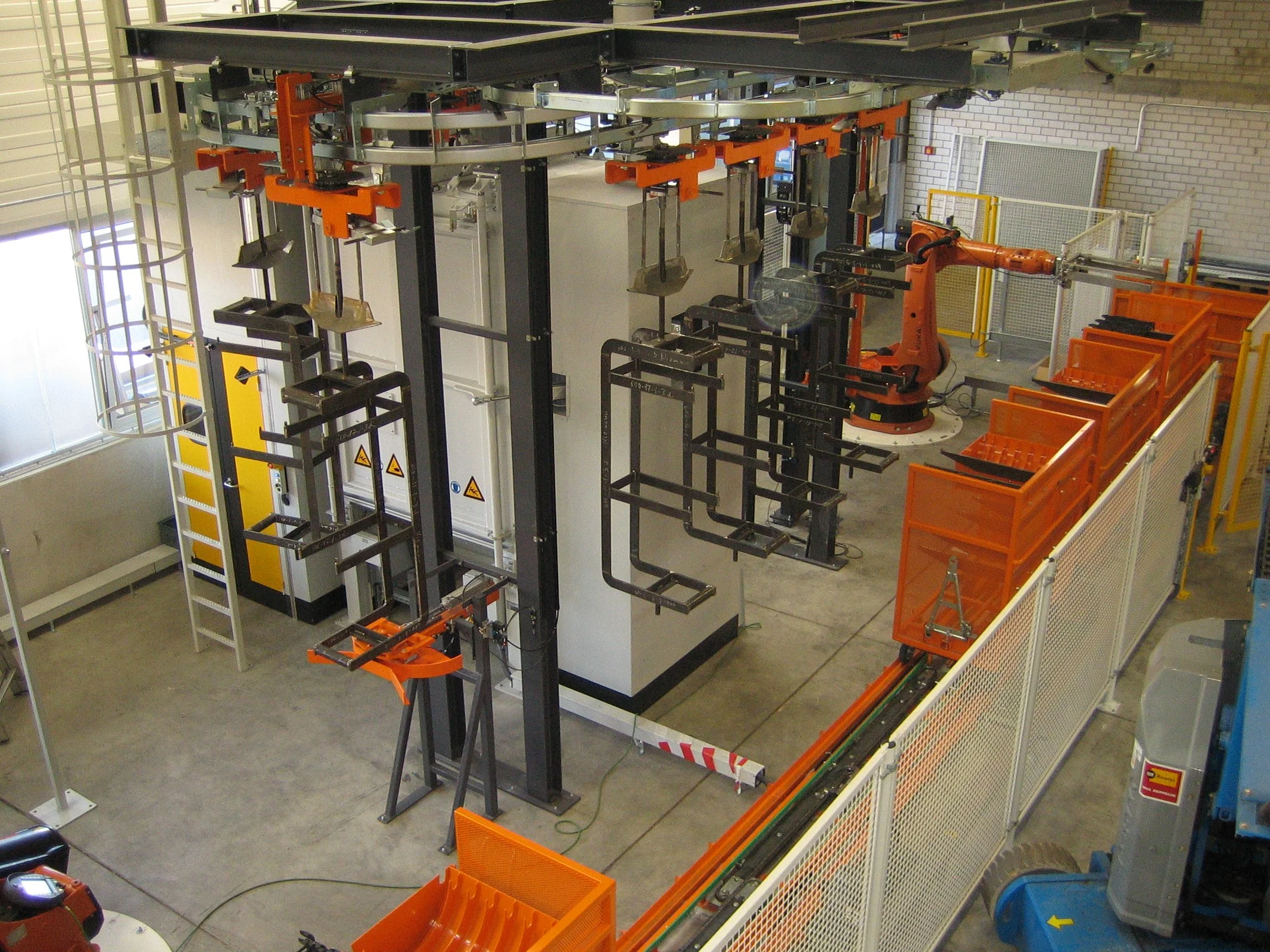
Floor Conveyors
-
![Floor Conveyors]()
Floor Conveyors
-
![Floor Conveyors]()
Floor Conveyors
-
![Floor Conveyors]()
Floor Conveyors
-
![Floor Conveyors with Power & Free]()
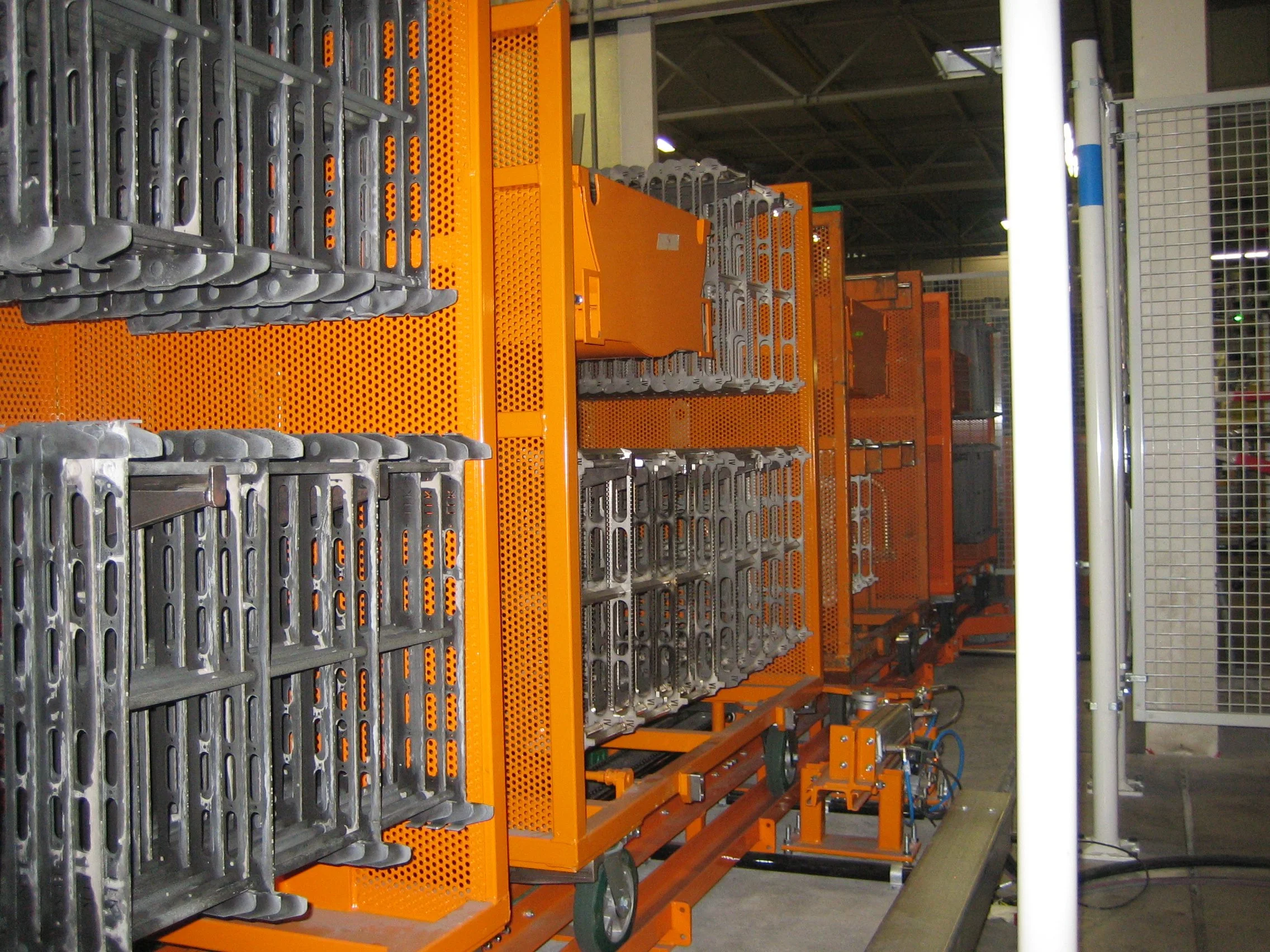
Floor Conveyors with Power & Free
-
![Floor Conveyors with Power & Free]()
Floor Conveyors with Power & Free
-
![Floor Conveyors with Power & Free]()
Floor Conveyors with Power & Free
-
![Floor Conveyors: Pallet Conveyors with Power & Free]()
Floor Conveyors: Pallet Conveyors with Power & Free